
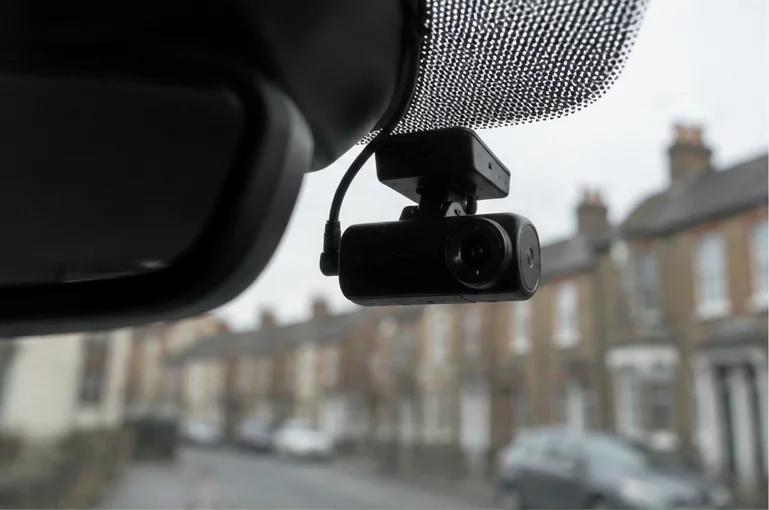
How Often Should You Format Your Dash Cam SD Card?
Charles
Most people never format their dash cam SD card until it throws an error. That is exactly why it throws the error.
Formatting is basic maintenance, like checking your tyre pressures. Do it on a schedule and you avoid most card problems before they start. Here is how often, how to do it properly, and when a format will not save the card.
The short answer: about once a month
For a camera in daily use, format the card roughly once a month. If you drive less often, every couple of months is fine. The card is written to every single time you drive, so the more you drive, the more often it needs a clean reset.
Some cameras help you remember. Many show a format reminder every so often, and a few let you set the interval. If yours has that option, turn it on and act on it when it appears rather than dismissing it, which is what most people do right up until the card fails.
Why formatting matters
Your dash cam records in a loop, constantly overwriting the oldest footage once the card is full. Over time this leaves the card fragmented and cluttered with partial files and folder errors. A regular format wipes it back to a clean state so the camera can write reliably.
Skip it for long enough and small errors build up until the camera can no longer write properly. That is when you get the dreaded card error, usually noticed right after the drive you actually needed on film.
How to format it the right way
This is where people go wrong. There are two safe ways to do it.
- Format in the camera. This is the method to use for routine monthly maintenance. Go into the camera’s settings menu and use its own format option. The camera sets up the file system and folders exactly how it needs them. Formatting only on a computer can leave the card in a format the camera does not fully understand.
- Format on a computer, then in the camera. Use this when the card is misbehaving. Format it to FAT32 on your PC, then put it back and format again in the camera. The two-step reset clears deeper corruption.
Whichever you use, remember to copy off any footage you want to keep first, because formatting erases everything on the card.
One thing to check after formatting
Formatting can quietly reset your camera’s settings to their defaults. On some cameras that means parking mode switches itself off, so the camera you thought was watching your parked car is no longer recording when you walk away.
After any format, take a moment to check your key settings are still how you want them, particularly parking mode, resolution, and loop recording. It takes ten seconds and saves you finding out the hard way.
Formatting will not save a worn out card
Regular formatting extends a card’s life, but it does not make a card last forever. Flash memory has a limited number of write cycles, and a dash cam burns through them fast because the card sits almost full and is overwritten constantly.
So alongside monthly formatting, plan to replace the card once a year if the camera is in daily use. Cards are inexpensive, and a fresh one every year is cheap insurance against a corrupted card at the exact moment you need footage. A good habit is to test that you can actually play back recent footage every month when you format, so you catch a dying card early. If you are choosing a replacement, our guide to the best SD card for a dash cam covers what actually matters, and if you are already seeing errors, start with our guide to dash cam SD card errors.
Across a fleet, a formatting schedule does not scale
A monthly format is easy to remember for one car. Across a fleet of twenty or fifty vehicles, it is a maintenance job nobody owns, so it does not get done. Cards quietly age, then fail one by one, and you only find out when you go looking for footage that is not there.
That is the built-in weakness of storing footage on a card in each vehicle. A connected setup uploads important footage over 4G so it is safe off the card, and flags a camera that has stopped recording, so a forgotten format does not turn into missing evidence. You can see how that works on our connected dash cameras page.
Summary and next steps
Format your dash cam SD card about once a month, using the camera’s own format option, and re-check your settings afterwards in case they reset. Use a two-step FAT32 format on a computer if the card starts misbehaving. Replace the card yearly regardless, because formatting cannot revive worn out flash memory.
For a fleet, a card maintenance schedule is a liability waiting to be forgotten. Book a demo to see footage that looks after itself →