
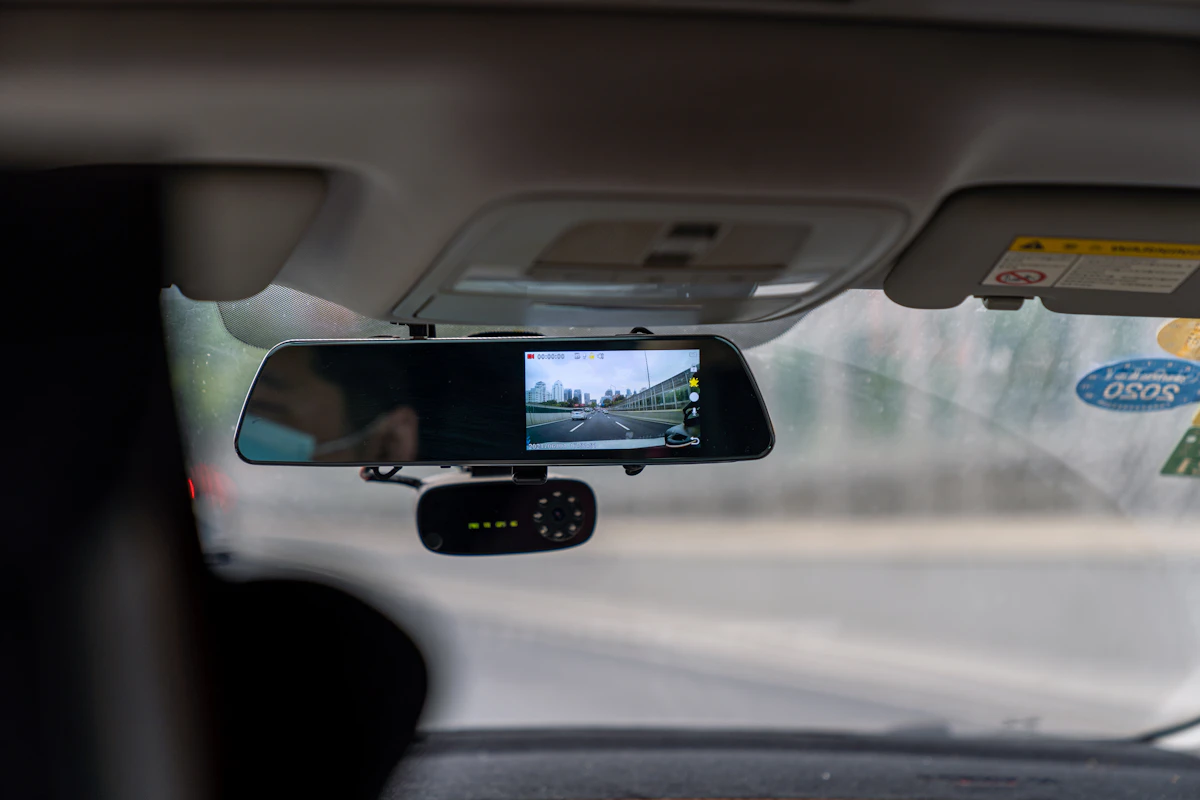
Dash Cam Rear Camera Not Working? How to Find and Fix the Fault
Timi
When the rear camera on a dual dash cam stops working, the fault is almost always the cable, not the camera.
Why rear cameras fail more than front cameras
The front camera sits on a short power lead. The rear camera relies on a long cable that runs through headlining, trim and, on hatchbacks and vans, the tailgate hinge. Every time that tailgate opens and closes, the cable flexes. Over months, that wears the wires inside.
So before you blame the camera itself, assume the cable until proven otherwise.
Common symptoms and what they usually mean
- “Rear camera not detected” or no rear view at all: loose connector at either end, or a broken cable.
- Rear picture flickers or drops in and out: cable damaged where it flexes, often at the tailgate.
- Rear view works when parked, cuts out on bumpy roads: a connector that is half seated.
- Rear image black but the camera has power: lens covered, setting disabled, or a failed rear unit.
- Rear footage missing from the SD card only: recording setting or a card that cannot keep up with two streams.
Fix it step by step
Work through these in order. Most people find the problem in the first three.
- Reseat both connectors. Unplug the rear cable at the main unit and at the rear camera, check for bent pins or dirt, and push them back in firmly. Some connectors need a proper click.
- Check the tailgate run. Open and close the tailgate while watching the rear view. If the picture drops when the tailgate moves, the cable is damaged there and needs replacing.
- Test with a spare cable. If you have one, run it loose across the cabin to rule the cable in or out in five minutes.
- Check the settings. Look for options like “rear camera”, “picture in picture” or “dual recording” in the menu. A factory reset or firmware update can switch these off.
- Check the SD card. Recording two channels doubles the write load. A slow or worn card can drop the rear stream first. Use a high endurance card. Our guide to the best SD card for a dash cam covers what to look for.
- Update the firmware. Rear camera detection bugs are often fixed in updates.
- Swap the rear camera. If a known good cable and card do not fix it, the rear unit has probably failed.
Cable length and extension leads
If someone has added an extension to reach the back of a long van or a minibus, that join is a weak point. Some cameras also lose signal over longer runs than the manufacturer intended. Use the cable length specified for the camera and avoid joining cables where you can.
Rear cameras in taxis and PCO cars
For taxi and private hire vehicles the rear camera matters more than most people think. Rear end shunts and disputes about who hit who are some of the most common claims. If the rear channel has quietly stopped recording, you will not find out until you need the footage.
That is the real problem with standalone cameras. Nobody checks them until something goes wrong.
How to stop finding out too late
A connected camera reports its own health. With 4G dash cams on one dashboard, a rear channel that stops recording shows up as a fault straight away, so you can fix it before an incident rather than after.
You can see how that works on our connected dash cameras page, and if you run a taxi or PHV fleet, our taxi and PHV page covers the setup most operators use.
Summary
Start with the connectors, then the cable run at the tailgate, then settings and the SD card. Only replace the camera once you have ruled out the cable. And if you run more than a handful of vehicles, get cameras that tell you when a channel stops recording.
Book a demo to see fleet camera health monitoring in action →