

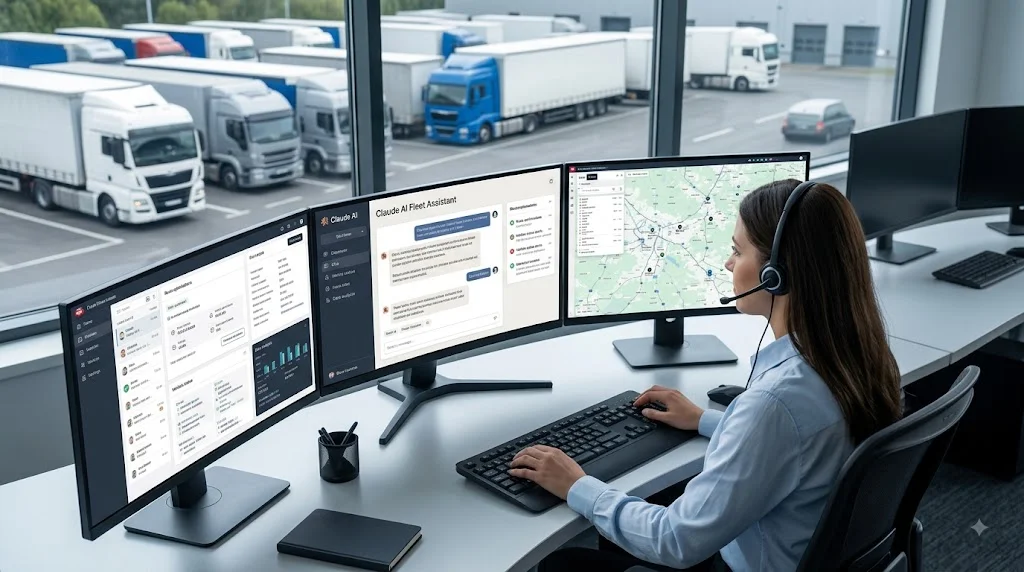
Claude Fleet Management: An AI Assistant for Your Fleet
Charles
Your fleet already produces every answer you need, the problem is digging it out of five different dashboards before the day gets away from you.
The real problem: too many dashboards, not enough time
Most fleet operators don’t have a data problem. They have a “too many tabs” problem.
Tracking lives in one place. Dash cam footage lives in another. Immobiliser controls, driver records, service dates, they’re all somewhere. The information exists. Getting a clear answer out of it in the middle of a busy morning is the hard part.
So the questions that should take ten seconds end up taking ten minutes, or they just don’t get asked.
What “Claude fleet management” actually means
Claude is the AI assistant built by Anthropic. On its own, it knows nothing about your vehicles.
Traknova changes that. We connect Claude directly to your fleet data, so instead of learning yet another dashboard, you just ask a question the way you’d ask a colleague. You type or speak, and you get an answer pulled from your live data.
No query builder. No filters. No exporting a spreadsheet and squinting at it.
What you can actually ask
Here are the kinds of questions the assistant handles day to day:
- “Which vehicles idled for more than 30 minutes yesterday?”
- “Show me every harsh braking event this week.”
- “Is KX21 ABC currently immobilised?”
- “Which drivers are due a licence check this month?”
- “What was the total mileage across the fleet last week?”
You get the answer in seconds, with the option to open the underlying record if you want the detail.
How it works: the MCP server
The connection runs on the Model Context Protocol, an open standard from Anthropic for linking AI assistants to real tools and data.
In plain terms, Traknova runs an MCP server that gives the assistant secure, read access to your fleet. When you ask a question, Claude pulls the answer from your live Traknova data rather than guessing or making something up. If the data isn’t there, it tells you, instead of inventing a number.
For operators already running our GPS tracking, cameras and immobilisers, this sits on top of the data you’re already collecting. There’s nothing new to install on your vehicles.
Who this helps
The teams getting the most out of it are the ones drowning in day-to-day queries:
- Taxi and PHV operators checking driver activity and vehicle status
- Car rental firms tracking availability and mileage across a moving fleet
- Dealerships keeping eyes on stock without walking the forecourt
If someone on your team spends part of every day answering “where is it” and “what happened”, this takes that job off their plate.
Your data stays yours
The assistant reads from your fleet data to answer your questions. It doesn’t hand your records to anyone else, and access follows the same permissions your team already has in Traknova. If you want the specifics on how data is stored and handled for your setup, we’ll walk you through it.
Next steps
You don’t need a data team to get value from your fleet data. You need a straight answer, fast. That’s the whole point of connecting Claude to Traknova.
If you want to see it running against a real fleet, the quickest way is to watch it live.